Table of Contents
Follow these simple steps to get VoiceboxMD installed and running on your Mac:
Install VoiceboxMD #
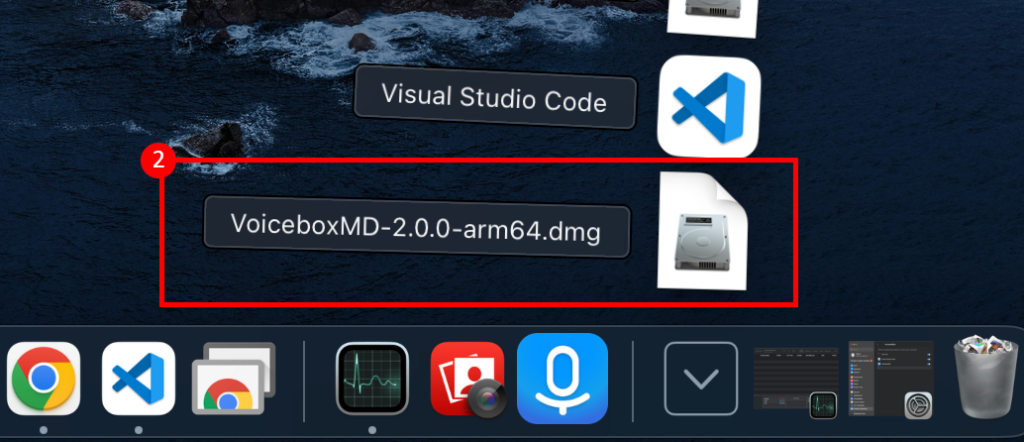
- Download the App: Get the VoiceboxMD.dmg file from here: VoiceboxMD for Mac users.
- Find the .dmg file in your Downloads folder and double-click to open it.
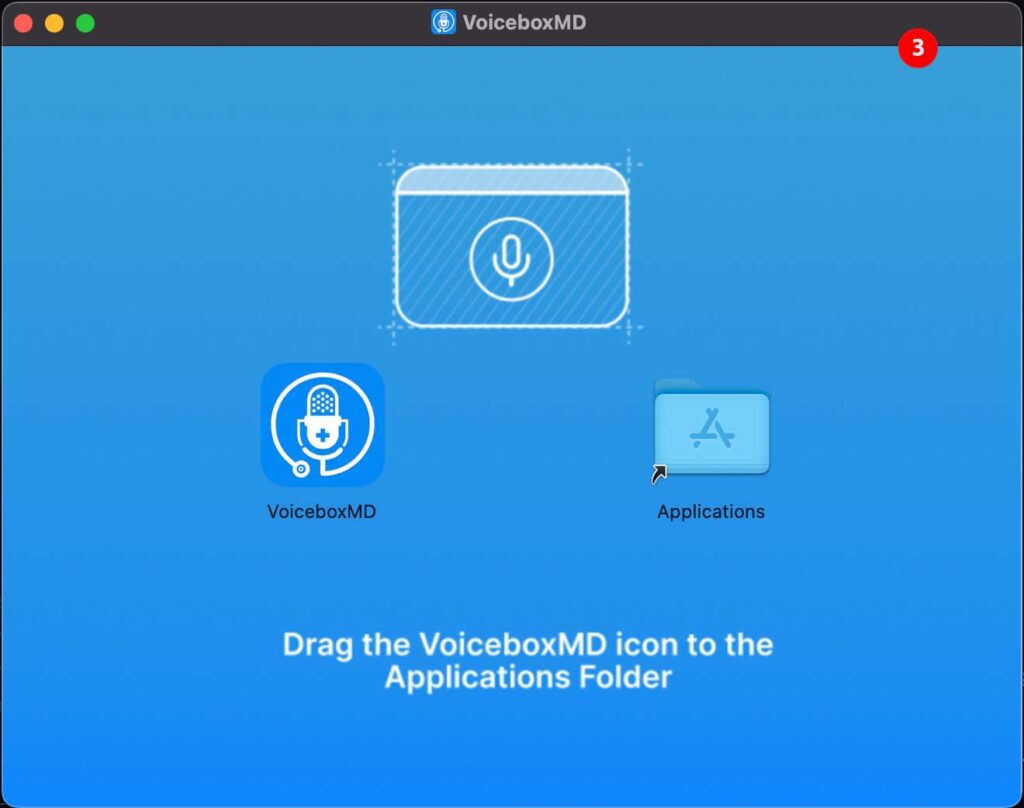
- Simply drag the VoiceboxMD icon into the Applications folder.
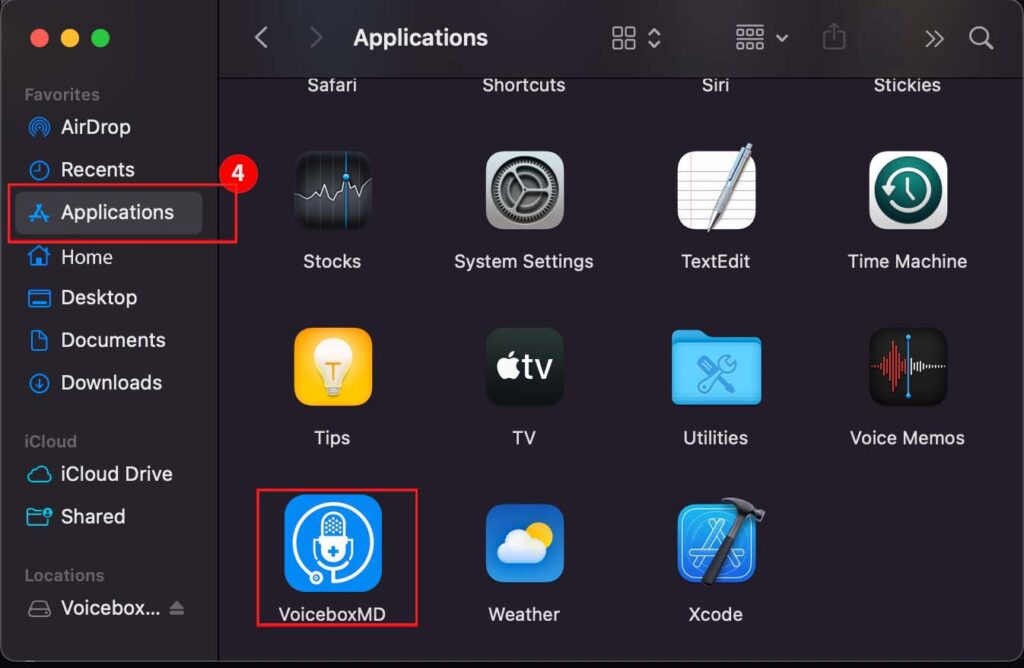
- VoiceboxMD is now installed. Head to your Applications folder to launch it.
If you encounter any issues during installation, please visit our support page at VoiceBoxMD Support for assistance.