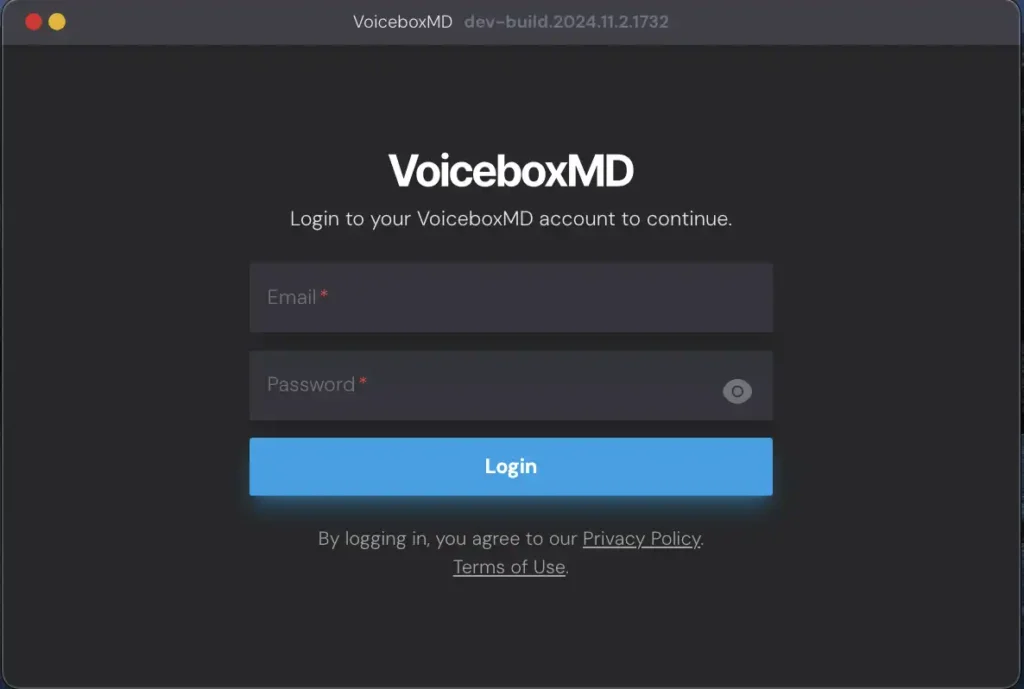
On your desktop, double-click the VoiceboxMD icon to open the application.
In the top bar, click the Login shortcut to access the login page.
Enter the login credentials you received via email when you signed up for VoiceboxMD and click Login.
If you lose your password, tap the “Forgot Password” button on the login interface to submit your email and retrieve recovery details.
To reset your password, head to the VoiceboxMD Control Panel settings and pick the “Reset Password” option to set a new one.