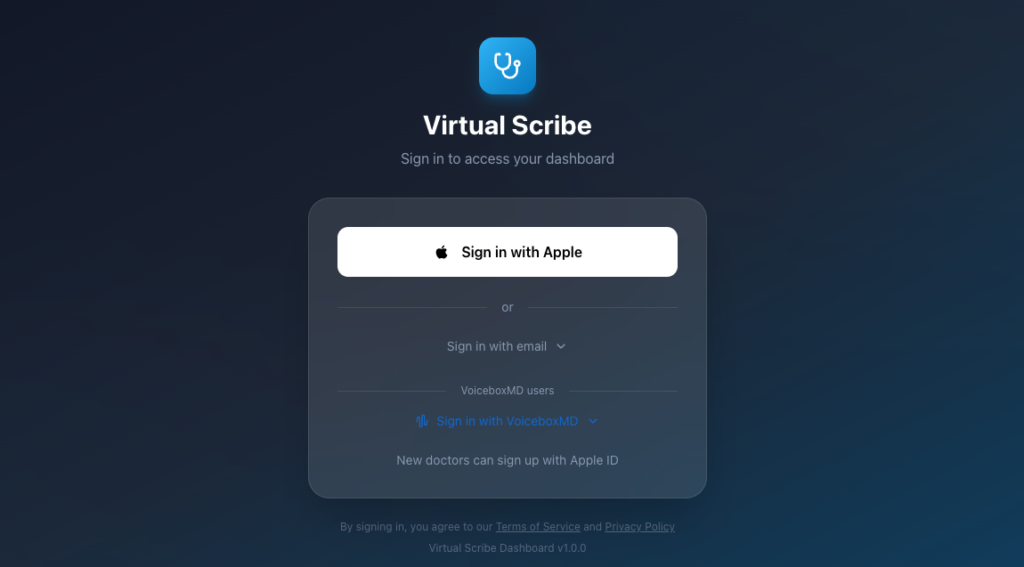
To access the AI medical scribe on the web, please visit VB Virtual Scribe Web
Login using your VoiceboxMD credentials, or if you are a standalone VB Virtual Scribe subscriber through Apple iOS, utilize the “Sign in with Apple” option to access web version.
Overview Section #
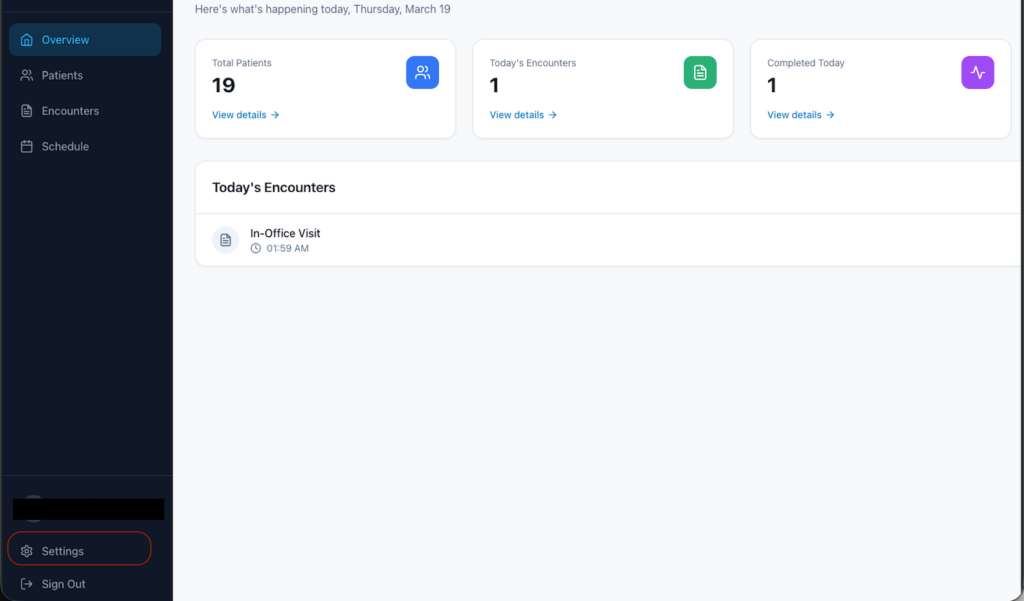
The overview section provides a summary of today’s encounters, arranged based on the time they occurred.

Creating a New Patient #
To create a new patient profile, click on the Patients tab located on the left, and then select Add Patient to initiate the process.

Once the patient profile is established, you may proceed by clicking on New Encounter

The New Encounter window offers two transcription modes: in-office and telehealth, each with distinct functionalities.

Utilize the in-office visits and select telehealth for online consultations via Zoom, Google Meet, or any other telehealth application. Please ensure that speakers are enabled during the conversation.
To commence transcription, simply click Start Transcription, and if this is your first use, and to avoid repeated prompts from Google Chrome, please choose “Allow while visiting the site” when prompted for microphone permissions and verify that the correct microphone is selected..

Begin speaking or engaging in interaction; you will see your notes transcribed in real time.
Upon concluding your encounter, please click the Stop and Generate Note button and allow a few moments for the note to become available for viewing.
Please note that the preparation time for encounter notes may vary between 20 to 60 seconds, depending on the length of the encounter.

Settings #
To incorporate your specific specialty template, navigate to the Settings column on the left side.
Account Management #
This section allows you to manage your account settings, including your personal details.
Manage staff #
To activate staff or add new members for managing tasks such as scheduling and patient management within your practice, you may invite your receptionist via email by clicking Invite Receptionist.
Please provide the full name of the staff member along with their email address.
An email invite will be sent to them containing a link to sign up and establish their credentials for accessing your practice profile.
note that receptionists will have access solely to patient management functions, which include creating and adding new patients, as well as scheduling appointments for the doctor.
Notes Template #
This section enables you to customize how your notes are processed and summarized following a clinical encounter.
To add a new template, click + New Template
Assign a name and description to the template for your workflow.

Under “Sections,” include each section title relevant to the notes you anticipate generating from your encounters. For instance, if certain values within your Electronic Health Record (EHR) need to be filled, you can tailor the template to those titles (e.g., HPI, ROS).
By default, VB Virtual Scribe employs a SOAP template (Subjective, Objective, Assessment, Plan), which is meticulously designed to capture essential clinical data from encounters and to summarize an appropriate SOAP note.
Example:
Section Title: “Chief Complaint”
Instructions: “chest pain, palpitations, shortness of breath, routine follow-up.”
Example : #
Cardiology Clinical Note Template #
1. Subjective (Patient Narrative)
- Chief Complaint: [e.g., Chest pain, palpitations, shortness of breath, routine follow-up]
- HPI (History of Present Illness): * Character: [e.g., Pressure, sharp, squeezing]
- Associated Symptoms: [e.g., Diaphoresis, nausea, orthopnea, PND, edema]
- Triggers/Relief: [e.g., Exertional, relieved by rest/NTG]
- Risk Factors: [e.g., Hypertension, Hyperlipidemia, Smoking history, Family history of CAD/SCD]
2. Objective (Physical Exam & Data)
- Vitals: BP: [L/R Arm], HR: [Regular/Irregular], RR: [Value], SpO2: [%], Weight/BMI: [Value].
- Cardiovascular Exam:
- Rhythm: [Regular, Irregularly irregular]
- Heart Sounds: [Normal S1/S2, Murmurs (Grade/Location), Gallops (S3/S4), Rubs]
- Pulses: [Radial/DP/PT pulses – e.g., 2+ bilateral]
- JVD: [Presence/absence, cm above sternal angle]
- Edema: [Pitting/Non-pitting, Grade 1-4, Location]
- Diagnostics (In-Office or Recent):
- EKG: [Rate, Rhythm, Axis, Intervals (PR/QRS/QTc), ST-T wave changes]
- Echo (if available): [LVEF %, Valvular status, Wall motion abnormalities]
3. Assessment (Clinical Impression)
- Primary Diagnosis: [e.g., HFrEF secondary to Ischemic Cardiomyopathy]
- Secondary Diagnoses: [e.g., Atrial Fibrillation, Essential Hypertension]
- Stability: [e.g., Compensated vs. Decompensated]
4. Plan (Management & Next Steps)
- Medication Changes: [e.g., Titration of GDMT, ACEi/ARB, Beta-blockers, Diuretics]
- Orders: [e.g., Stress test, Holter monitor, Cardiac cath, Lab work (BNP, Troponin, Lipid panel)]
- Education: [e.g., Sodium restriction <2g/day, fluid restriction, red flags for ER visit]
- Follow-up: [e.g., Return to clinic in 3 months or PRN]